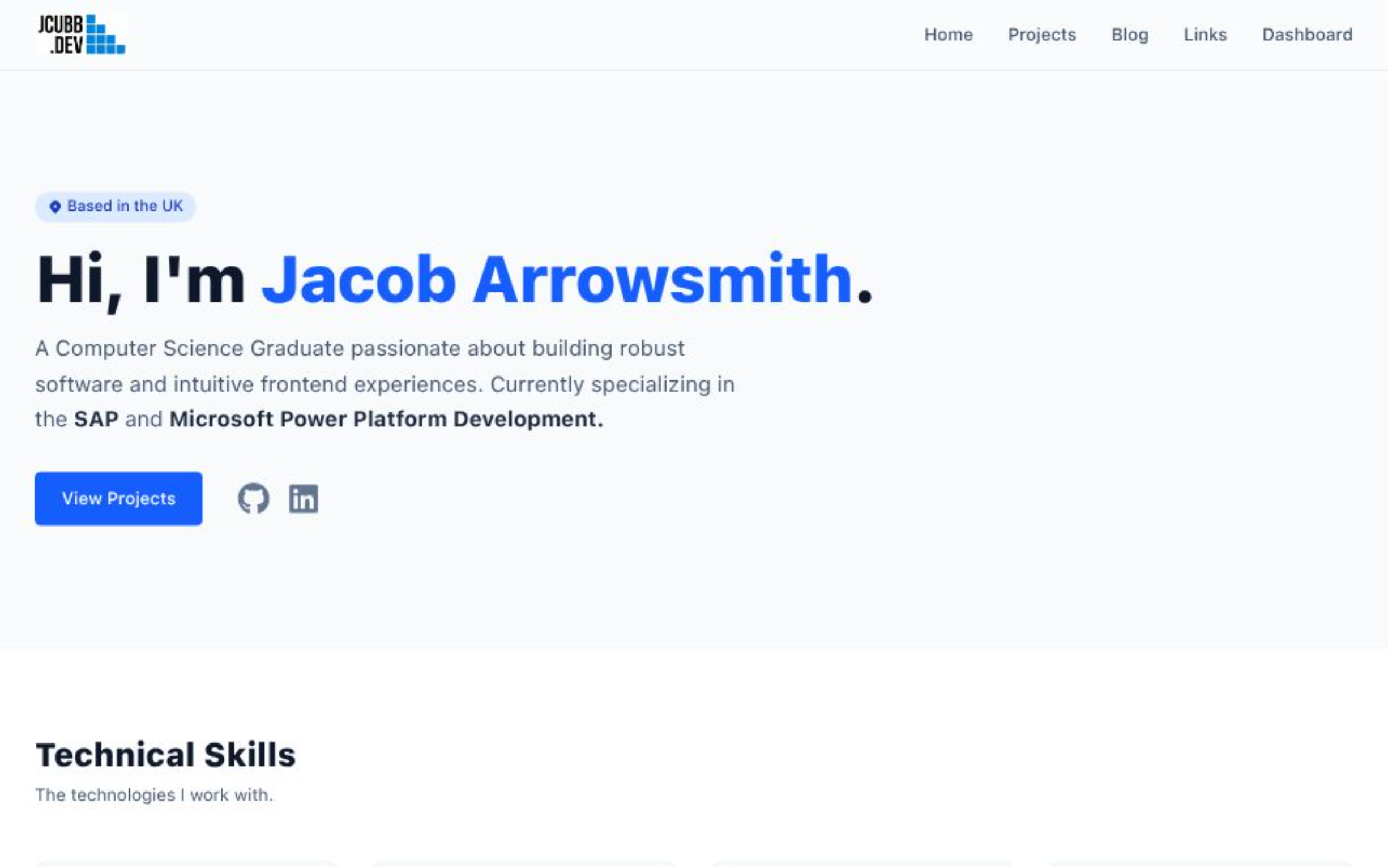
Building My New Portfolio: A Modern Full-Stack Upgrade
The "Old" Me vs. The New Site
We all have that one project from when we first started coding—the one we look back on and cringe a little. For me, that was my old portfolio.
It worked, sure. But it was built at a time when my understanding of web development was... let's say, "developing." It was static, rigid, and honestly, updating it was a chore. Every time I wanted to add a new project or fix a typo, I had to open VS Code, edit the HTML/JS, commit the changes, and redeploy. Because of that friction, I rarely updated it, and it stopped reflecting my actual skillset.
I decided it was time for a complete overhaul. I wanted to build something that didn't just show my work, but actually demonstrated it.
The Goal: Dynamic & Self-Managed
My main requirement for jcubb.dev v2 was independence. I didn't want to touch the source code just to write a blog post (like this one!) or showcase a new app I built.
I needed a Content Management System (CMS), but I didn't want to use a generic template like WordPress or a headless CMS like Contentful. I wanted to build the engine myself to prove I could.
The Stack
To achieve this, I went with a modern, type-safe stack:
- Next.js 15 (App Router): For server-side rendering and speed.
- TypeScript: Because catching bugs at compile time is better than breaking production.
- Tailwind CSS: For rapid, clean styling.
- Supabase (PostgreSQL): A robust relational database to store my data.
- Prisma ORM: To make interacting with the database intuitive and type-safe.
The "Killer Feature": My Custom Admin Dashboard
The part of this project I'm proudest of is the Admin Dashboard.
It is a protected route (secured with NextAuth) that serves as the control center for the entire website. From this dashboard, I can:
- Write & Edit Blogs: I built a markdown editor that lets me draft posts and publish them instantly.
- Manage Projects: I can upload a new project, add a GitHub link, write a description, and have it appear on the homepage carousel immediately.
- Link Everything: I added a feature to link specific projects to "Case Study" blog posts, creating a connected ecosystem of my work.
Overcoming Challenges
It wasn't all smooth sailing. I ran into issues with caching (where the homepage wouldn't show new projects because Next.js was "too" efficient at being static) and had to learn the nuances of Prisma migrations when deploying to a cloud database.
But solving those problems is exactly why I built this. It wasn't just about making a pretty website; it was about encountering real-world full-stack hurdles and clearing them.
What's Next?
Now that the platform is live, my focus shifts to filling it. Expect to see more project breakdowns, deep dives into code, and maybe some tutorials on how I built specific features of this site. The Website also needs to work better when a device is in Dark Mode.
Welcome to the new jcubb.dev.